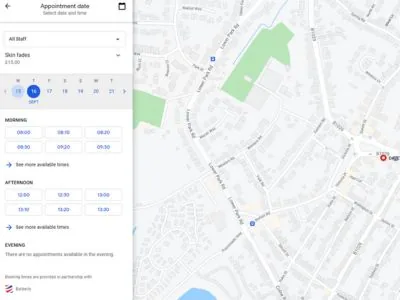
So, you've created your mobile app and website in Barberly as a mobile barber. Now let's see how to address the most common questions and problems and make the app work better for your benefit.
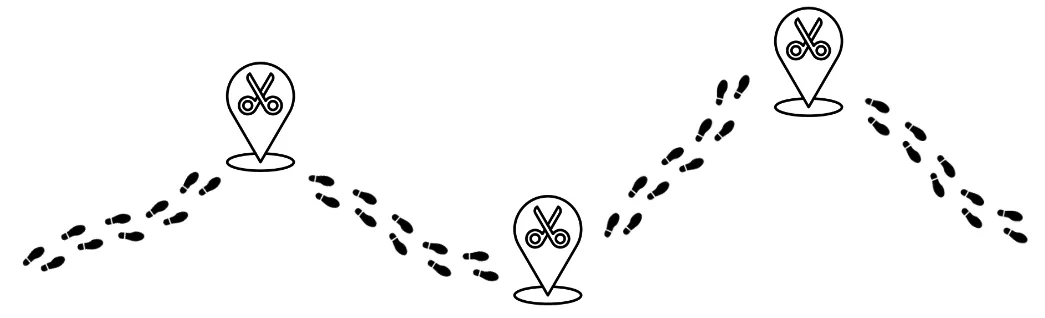
Hard to calculate the time between appointments
We recently received a question from one of our clients that perfectly describes the problem:
In our experience, it turned out to be a bad idea trying to calculate the time on the road automatically as it depends on many factors and may turn into losing clients because of extra blocked time.
Here are some best practices in Barberly that we recommend to address the problem. Combine them depending on your business model.
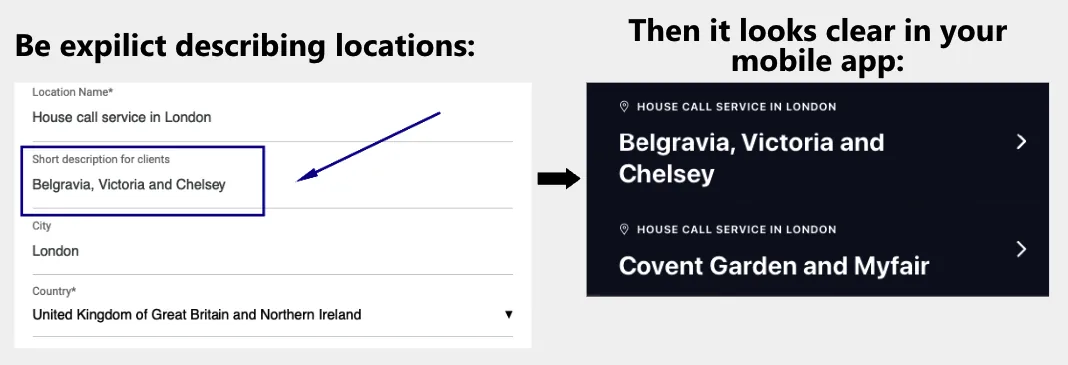
1. Split your city into areas
Split your city into areas or districts and create different locations in Barberly for each area. Then create a working schedule, for example, Monday- Tuesday you work in one area, Wednesday-Thursday - in another area. That will help to avoid big distances within one day. The best if takes a maximum of 20-30 minutes to get to any point inside the selected area, regardless of traffic jams.
2. Block time before/after an appointment
Consider evaluating the distance and the estimated duration of the requested service once an appointment is received. Block some extra time before or after the appointment if there's a possibility of getting delayed, or add more time to the appointment to avoid rushing.
3. Use minimum appointment notice
Set a minimum time buffer before an appointment can be booked. For mobile barbers, we recommend disabling same-day or even next-day bookings to allow time for adjusting your schedule and commuting.
4. Use appointments approvals (confirmations)
That means that instead of booking appointments automatically clients create appointment requests that you approve or reject. That gives you a chance to screen the customer's profile, requested services, and location and suggest changes to the client whenever needed.
5. Use a security deposit
This is an alternative to approvals. You may select a policy in Barberly that will force clients to prepay a certain % in order to ensure the appointment. That will filter out fraud customers.